
Build
Create a mobile destination, redirect, lead form, downloadable asset or multi-stage campaign without changing the physical QR.
MYQRAD gives agencies and businesses one place to build, update and measure QR campaigns after the code has already been printed. Use a simple redirect, build a landing page, capture leads — or create a stateful Layers experience that changes as people interact with it.
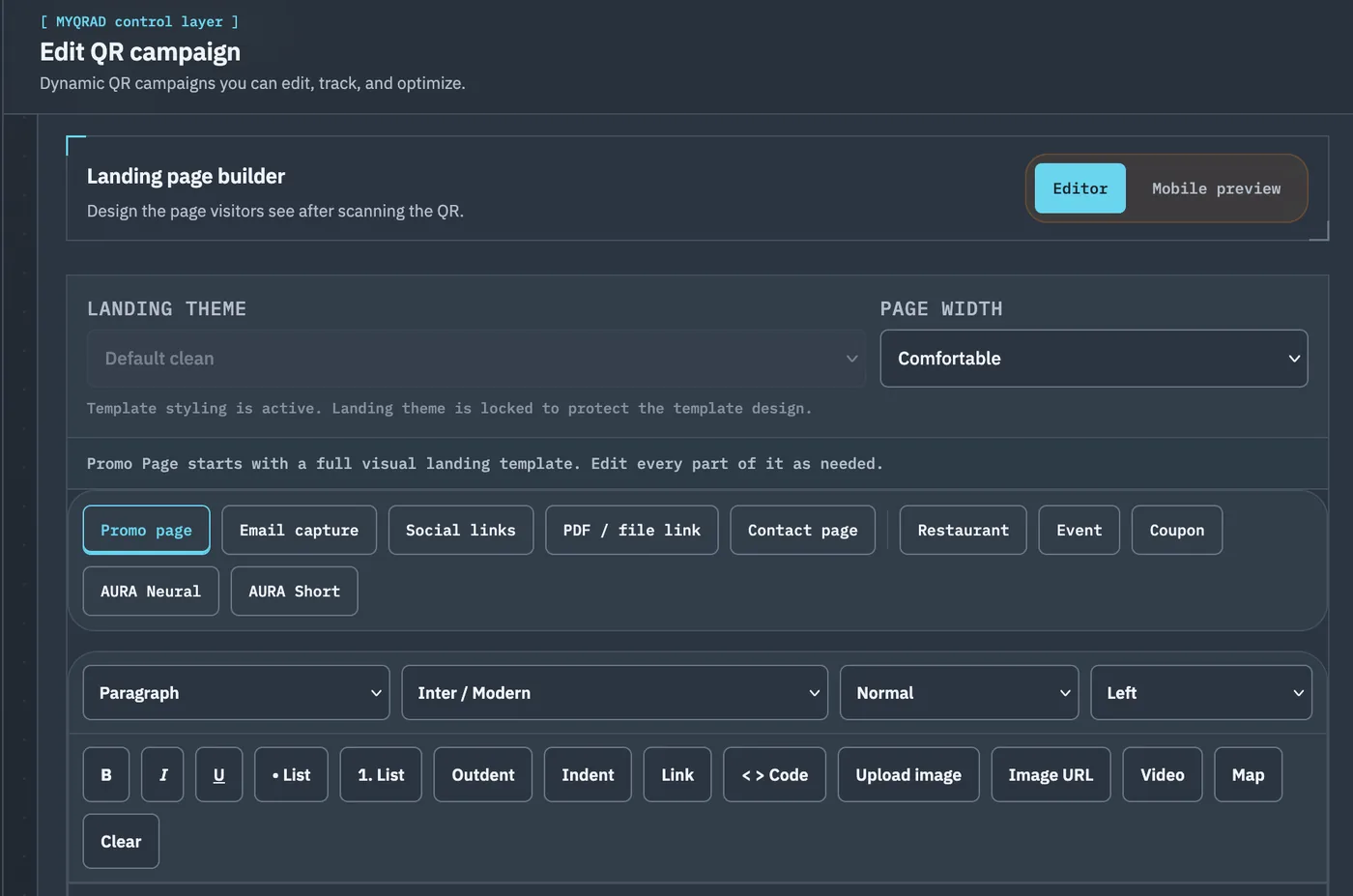
MYQRAD keeps the printed code stable while giving you control over what sits behind it. Start simple and add complexity only when the campaign needs it.
Create a mobile destination, redirect, lead form, downloadable asset or multi-stage campaign without changing the physical QR.
Publish when ready, keep the destination current and manage campaigns from one operating environment.
Use scan and campaign activity to understand what is happening after distribution instead of treating the QR as a static image.
MYQRAD Layers turns a QR campaign into a stateful experience. Build nested content, decide who can see what, simulate the journey, test the frozen campaign in quarantine and then publish it into controlled production cycles.
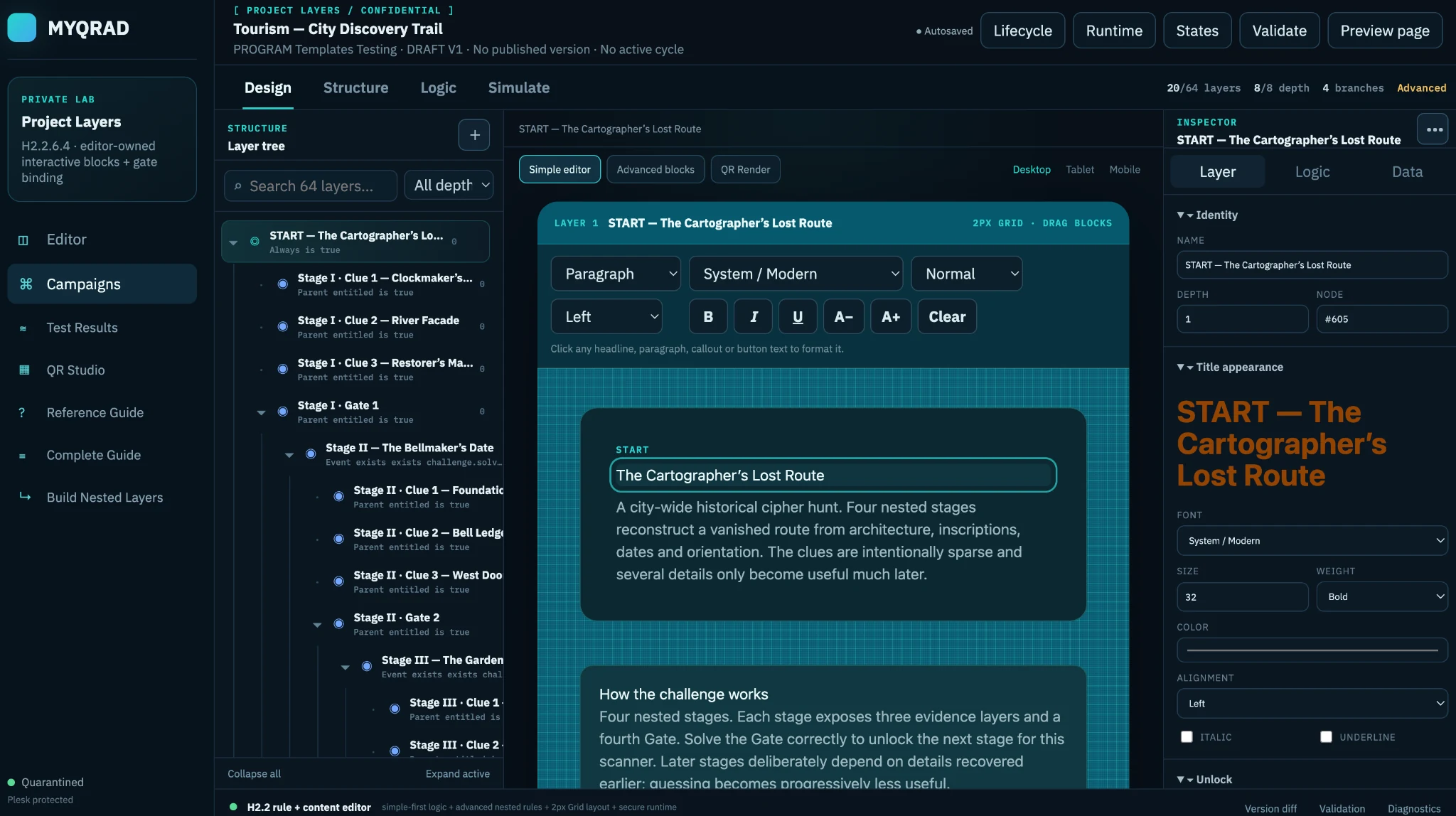
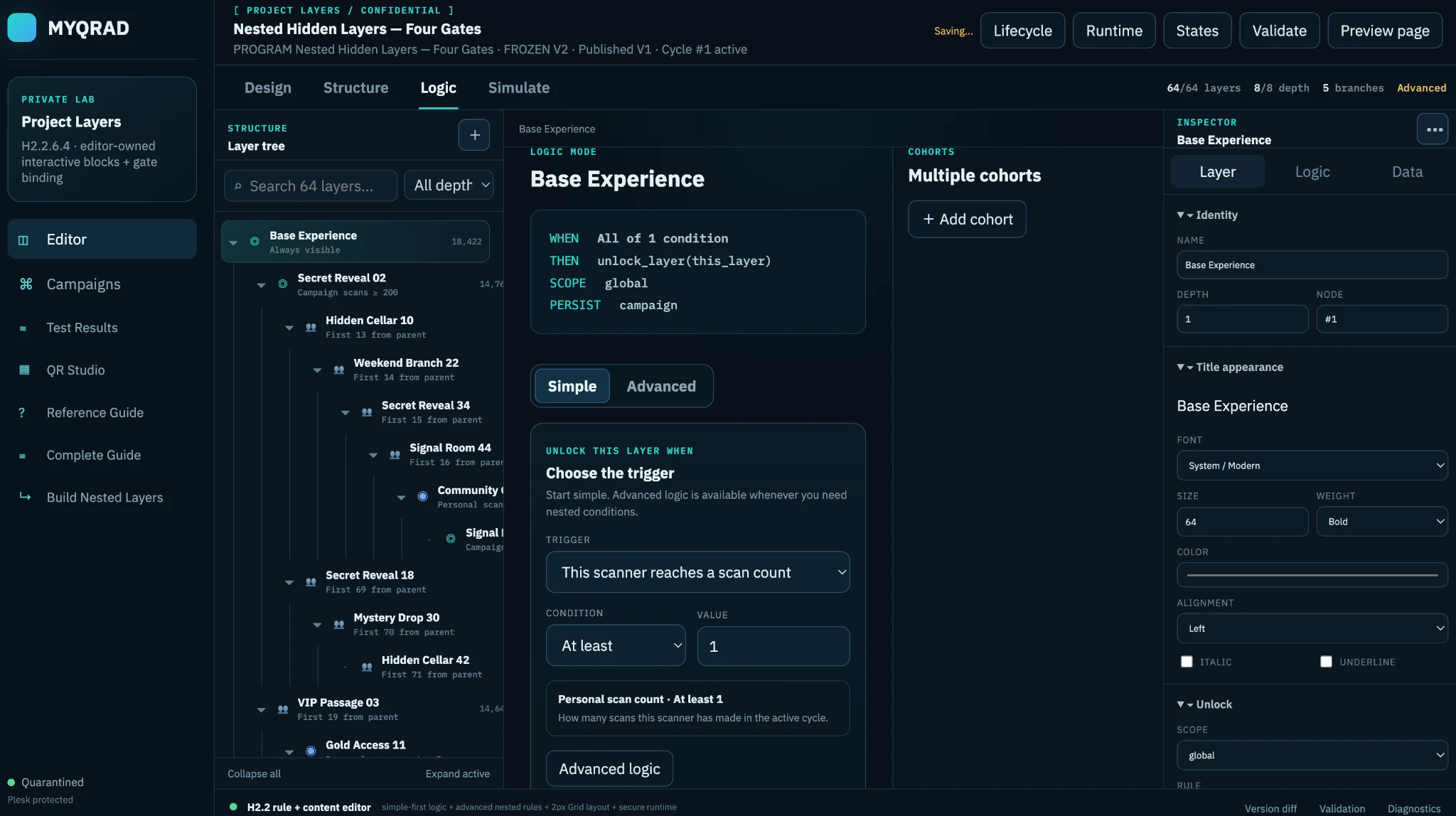
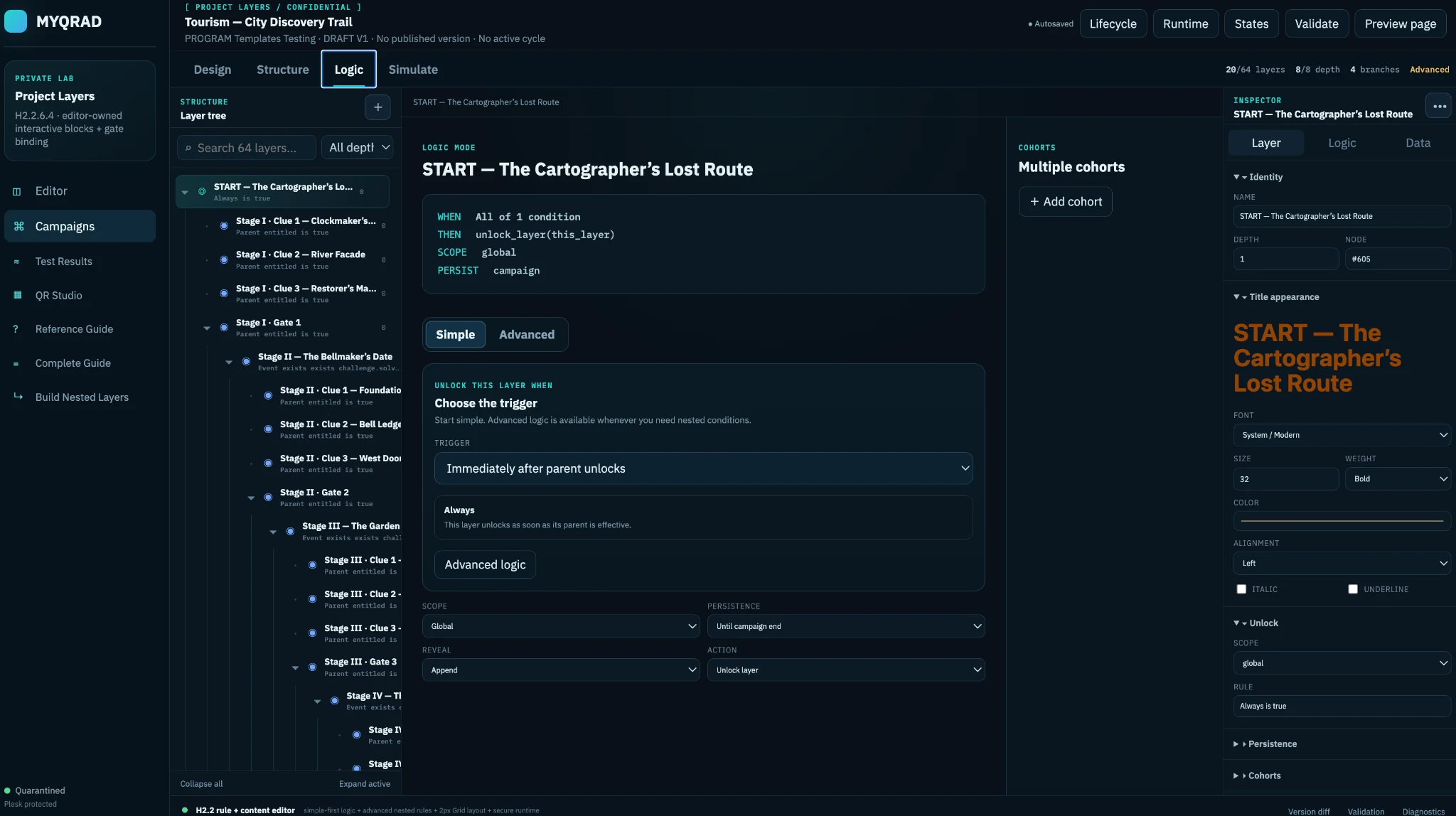
A complete review system running inside a live MYQRAD QR experience.
Spammers and bots: spare your time.
 Open the live experience on your phone.
Same experience. Two entry points.
Open the live experience on your phone.
Same experience. Two entry points.
Not every QR needs Layers. MYQRAD also handles the everyday campaign jobs agencies and businesses run all the time.
Change the destination after distribution without replacing the printed code.
Build responsive mobile campaign pages inside MYQRAD.
Turn campaign attention into structured responses and measurable intent.
Follow campaign activity instead of relying on a static QR image alone.
Create a compact mobile destination for links and identity.
Keep offers current while the distributed QR remains unchanged.
Deliver documents and digital assets through a managed QR campaign.
Give customers a fast route to contact information from mobile.
A single campaign might only need a redirect. An agency portfolio may need nested experiences, version control, controlled testing and production history. MYQRAD is designed so those workflows can live in the same platform without pretending they are the same job.
Create an account, explore the workflow and move to the plan that matches your campaign volume and operating needs.
Explore MYQRAD and build your first campaigns before choosing a paid plan.
Create accountMove up when you need a larger campaign footprint and more operating capacity.
View plansUse MYQRAD across a wider portfolio when your work needs more structure and deeper campaign control.
Compare plansUse the full Layers manual when you need the complete explanation, or the quick reference when you just need the terminology and workflow.
A full explanation of the Layers lifecycle, authoring tools, logic, testing, publishing and runtime concepts.
Open full guideA faster lookup for Layers terminology, structure and day-to-day operating questions.
Open quick referenceStart with a simple campaign today, then grow the experience when the brief asks for more.